
How to Use a Rented Google Login, From Delivery to the End of the Term
October 16, 2026
GmailRental Support Desk· Customer support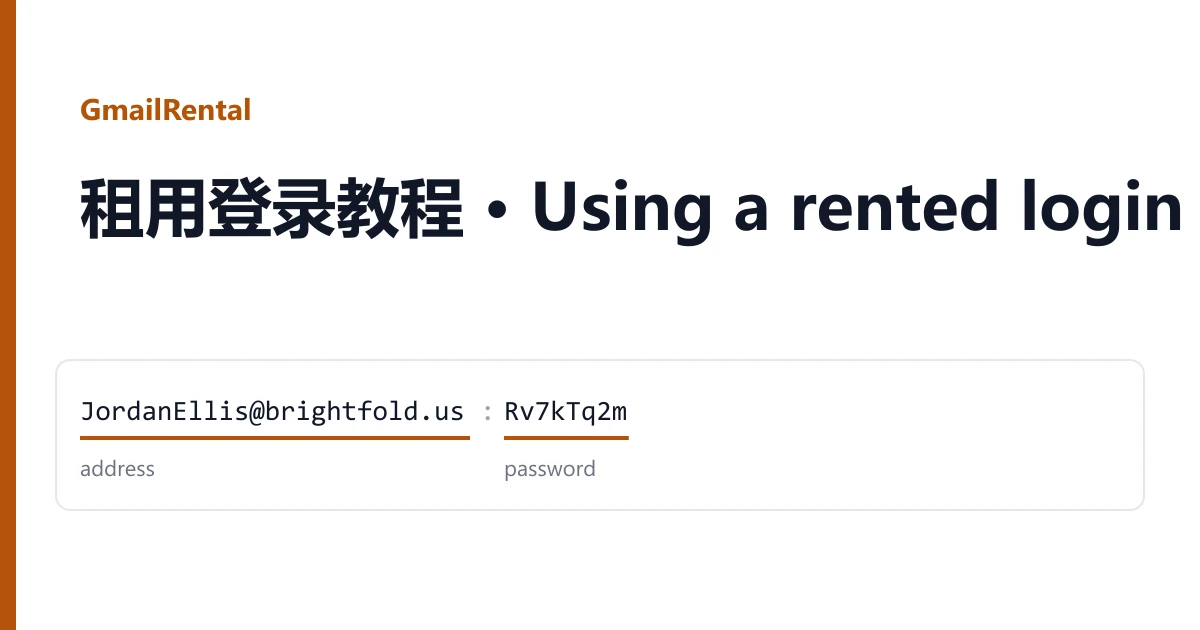
A rented login is not an account you keep. It is a Google sign-in on someone else's domain that works for the term printed in the listing title, counted from the moment it is delivered. This guide follows that clock from start to finish, so nothing is left for the last ten minutes.
Before you order: match the term to the job
Pick the band first and the listing second. A single sign-up or a quick check fits a 2-hour or 24-hour login. Work you come back to over several days fits a 3-day, 7 to 15-day or 15-day login. An EDU login runs for about 7 days and is an address, not proof that you study anywhere.
Then read the listing line by line for three things: whether it says Gmail access (an inbox you can open), whether it says YouTube or Gmail not working (sign-in and other apps only), and whether it includes a backup email. If you are not ready to start, wait: the term starts at delivery, not at your first sign-in. Everything on offer is in the catalogue.
The minute it arrives: read the line
Open the order from your dashboard. Each login is one line in Delivered accounts. Most look like this (values invented):
JordanEllis@brightfold.us|Rv7kTq2m
address | password

PriyaNolan@harbortech.org;Lm4xWc8z;priya.spare@example.com
address ; password ; backup email
The address is a person-style name on a custom domain such as .us, .org or .com. It is not an @gmail.com address, and you sign in with the whole address, domain included. The password is everything between the separators, with no spaces. A third field, when there is one, is a backup email: Google may ask you to type it to confirm the login, but you cannot sign in with it and we do not deliver its password.
Sign in straight away
- Open accounts.google.com in a private window, or in a browser profile you keep for this rental, so it does not mix with your own Google account.
- Enter the full address, press Next, then paste the password.
- If Google shows a captcha, type the characters. If it asks you to confirm the backup email, type the backup address from your line exactly as written.
- Open the app you rented it for (Drive, Docs, the inbox on Gmail access listings) and check that it loads.
Do this within minutes of delivery. It confirms the login works while the warranty window on the listing is still open, and it tells you early if the listing does not suit the job.
Inside the window
Use the login for what you rented it for and keep the session in one browser. A few habits save trouble later:
- Keep your own files in your own storage. Anything you create in the rented Drive, Docs or inbox belongs to the domain owner's account.
- Do not tie anything long-lived to the address: a service you will still need next month should not use a login that ends on a date.
- Changing the password does not extend the term or move control to you. The domain owner can still end the login on schedule.
Before the last hour
Set a reminder for shortly before the term ends. Download or copy out anything you made, note any confirmation emails you need, and sign out. If the job is not finished, order a longer band now rather than hoping the login keeps working: there is no extension on the same login.
After the term
When the time is up the domain owner can switch the login off or delete it, together with its mail and files. A login that stops at the end of its term is working as sold, so it is not a warranty case, and nothing on it can be restored.
Mailboxes on other domains (IMAP)
A few listings are not Google logins but mailboxes on other mail domains, delivered as login;password or login:password. Open them in the mail domain's web page, or add them to a mail app as an IMAP account with the full address as the user name. Some listings also enable POP3 and SMTP. Their term is whatever their own listing states; some say the mailbox is kept beyond a short window.
When something goes wrong
The password is refused or the login is already disabled
Copy the password again on its own, without the separator. If it still fails, take a screenshot and open a ticket from the order page while the warranty window on the listing is open.
Google asks for a phone number or a code you cannot get
No phone comes with a rental. If Google will not let the first sign-in through without one, stop retrying and report it with a screenshot; repeated attempts only make the check stricter.
Gmail or YouTube will not open
Check the listing. If it says Gmail access, report it. If it says YouTube or Gmail do not work, that is how the login was sold.
A faulty login is replaced from the same listing, or the order is refunded if the listing has run out. Signing in does not void the warranty; bans caused by bulk or automated activity are outside it. More about how rentals work is on the home page.